
Create and organize
Build or choose standards-aligned subject glossaries, revise definitions and examples, and link terms to official course texts.
Bilingual glossary support for multilingual classrooms
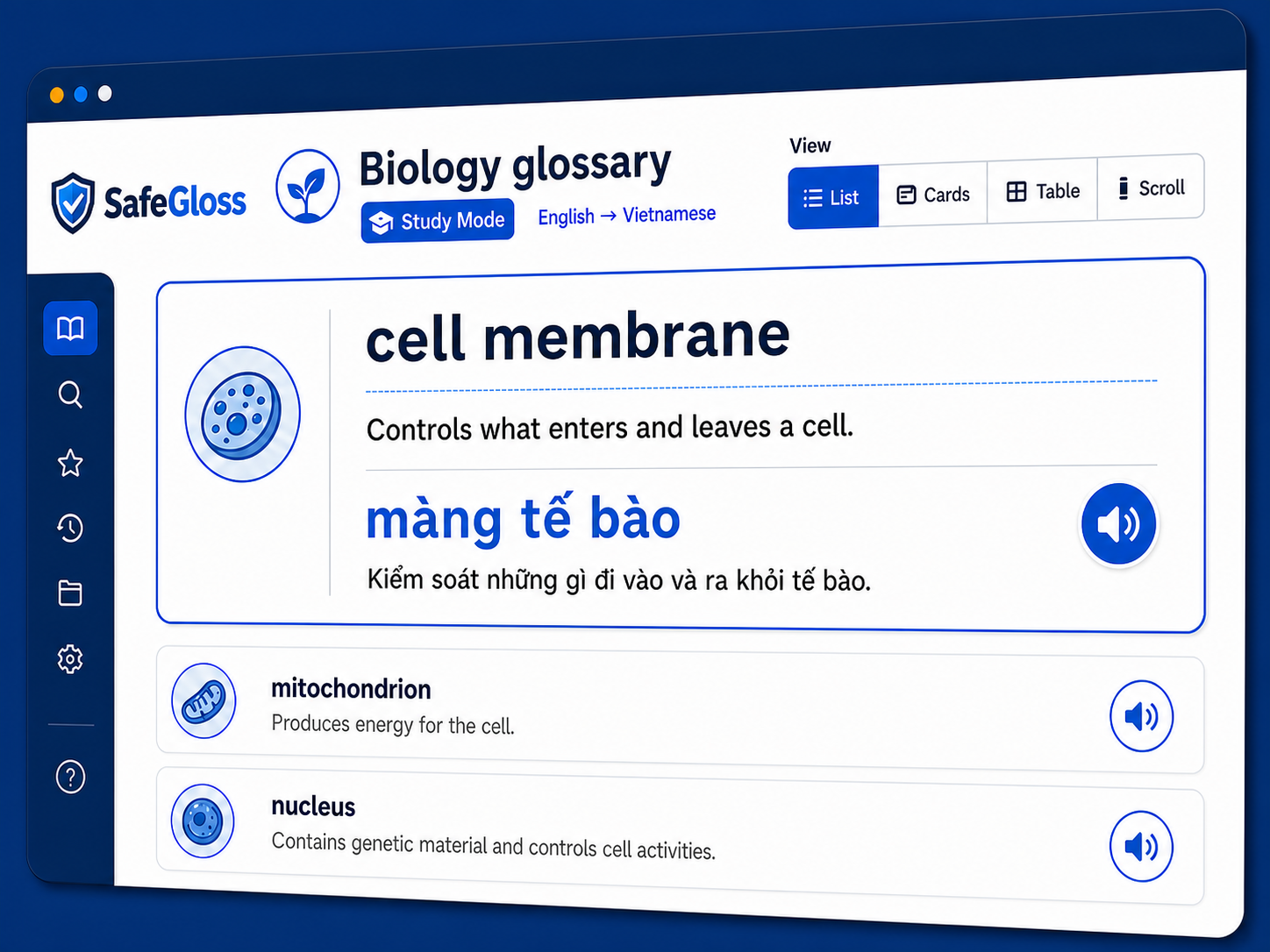
Teachers get standards-aligned, customizable glossaries in more than 50 languages.
Students use definitions, examples, and pronunciation support during study. Exam Mode limits access to approved bilingual terms.
Currently in alpha — features and pricing may change.
For the classroom
Create subject-specific vocabulary support, distribute it in each learner's preferred language, and restrict content during scheduled exams.
Build or choose standards-aligned subject glossaries, revise definitions and examples, and link terms to official course texts.
Create courses and rosters, share join codes, and import classes from supported education platforms.
Give each learner definitions, examples, pronunciation, and approved translations in their preferred language.
Curriculum support
Relevant public guidance
These public resources describe bilingual glossary and multilingual learner support. They do not represent endorsements of SafeGloss.
Universal delivery
Use SafeGloss on Android, iPhone, iPad, Windows, and Mac, or print booklets for offline classrooms.
The interface is designed to support Web Content Accessibility Guidelines (WCAG) 2.2 Level AA.
Classrooms, home study, or secure test rooms
Controlled assessment support
Teachers can start Exam Mode manually or schedule an assessment window. Students then see only approved term-and-translation pairs until Study Mode returns.
Students see bilingual term pairs only during these windows.
Safe classroom infrastructure
Security controls and connections to tools that educators already use.
Encrypted data at rest and in transit, backed by a published privacy policy.
Google Classroom, Microsoft Entra ID, OneRoster (1EdTech), Clever, and ClassLink.
Open-source foundation
The application running at safegloss.com uses the official open-source Core. Schools and developers can inspect, self-host, modify, and contribute to the same classroom glossary foundation.